

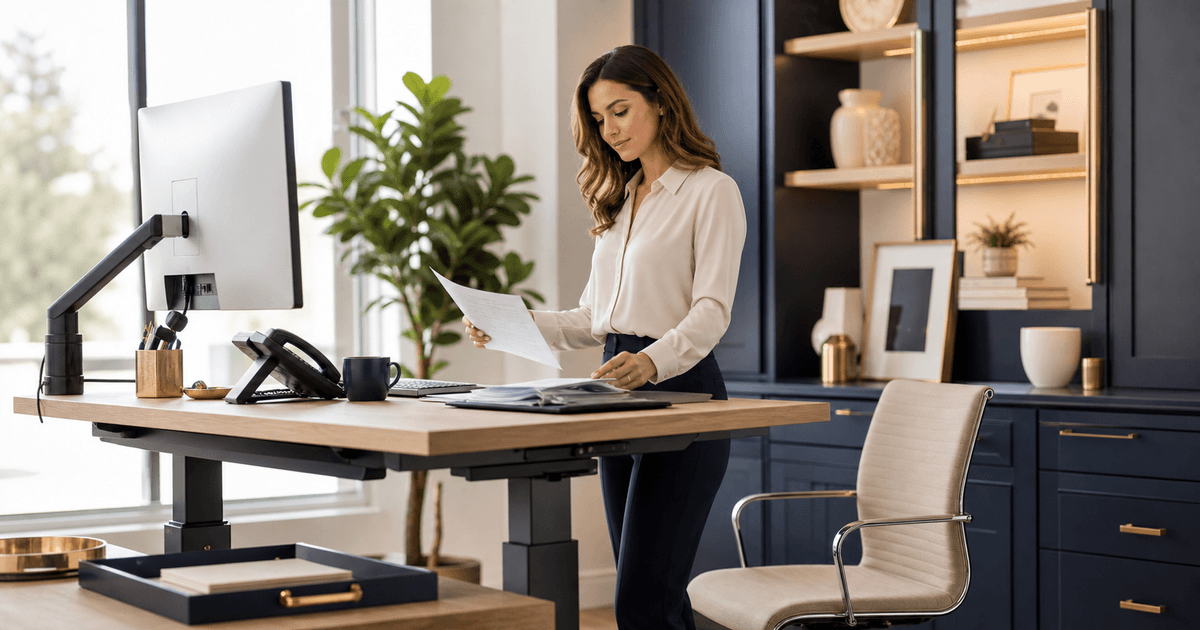
What occupational data supports about executive support workstations
Abstract
The 2025 Occupational Requirements Survey estimates that workers in the executive secretary and executive administrative assistant occupation spent an average 90.9 percent of the workday sitting, while 91.4 percent had a choice to sit or stand for critical tasks. [1] These estimates establish occupational context, not a medical diagnosis or proof that one workstation configuration prevents injury.
Methodology
The occupation-specific BLS profile is the statistical anchor, with technical and methods material used to interpret the estimates. [1][2][10] OSHA workstation resources supply task and design considerations, and NIOSH and CDC sources frame ergonomics and workplace-health programs. [3][4][5][6][7][8][9] No ergonomic product, posture, break interval, or clinical result is endorsed.
Sitting time and position choice are different measures
An occupation can have high average sitting time while many workers have the option to change position. BLS reports both conditions for 2025. [1] The figures do not reveal how often individuals changed position, whether equipment fit them, or what symptoms they experienced.
Executive support work combines computer use with calls, document handling, visitor coordination, meetings, and movement between locations. Design should follow actual task patterns rather than applying the occupation average as a target.
Workstation fit is a system of relationships
OSHA's computer-workstation guidance examines the relationship among chair, desk, monitor, keyboard, pointing device, telephone, documents, and user position. [3][4] Improving one component can create a new reach, glare, or viewing problem if the rest of the station stays unchanged.
Observe representative calendar, email, document, and call tasks. Record repeated reaches, prolonged viewing angles, device switching, glare, cable constraints, and work performed away from the primary station. Do not photograph private messages or evaluate an employee's body as the problem.
Variation should match the work
OSHA work-process guidance recognizes task organization and variation as part of workstation review. [5] NIOSH ergonomics resources similarly focus on fitting work to people and reducing risk factors. [6] A sit-stand desk alone does not resolve workload, equipment, pace, or recovery issues.
Create usable alternatives such as a properly adjusted seated position, a standing option when suitable, hands-free calling for simultaneous computer work, and a separate surface for document review. Train users to adjust equipment and provide a route for reporting discomfort or malfunction.
Program evidence is stronger than a one-time purchase
CDC and NIOSH workplace-health frameworks emphasize assessment, planning, implementation, and evaluation. [7][8] A workstation program needs ownership, procurement criteria, setup support, accommodation routing, maintenance, remote-work coverage, and follow-up.
Measure unresolved setup requests, equipment failures, completion of qualified assessments, and whether corrective actions were implemented. Do not convert health reports into performance data. Individual medical or disability needs require confidential, qualified handling.
Limits and responsible interpretation
ORS is an establishment survey of job requirements. Its averages do not establish safe exposure thresholds, individual capacity, causation, or a required accommodation. [1][2][10] OSHA and NIOSH materials provide general prevention guidance rather than individualized medical conclusions. [3][6]
Use the evidence to ask better questions: which tasks dominate, where the work occurs, whether equipment adjusts, how remote setups differ, and whether people can report problems without friction. A qualified ergonomics, safety, occupational-health, or accommodation professional should handle consequential individual decisions.
Key findings
- The occupation averaged 90.9 percent of the workday sitting in 2025. [1]
- A choice to sit or stand for critical tasks was available to 91.4 percent. [1]
- High sitting time and position choice describe different aspects of work.
- Workstation review should consider equipment, task design, variation, and reporting together. [3][4][5][6]
- Occupation averages cannot diagnose an individual or prescribe an accommodation.
Sources
- Executive Secretaries and Executive Administrative Assistants, U.S. Bureau of Labor Statistics
- Occupational Requirements Survey Technical Note, 2025, U.S. Bureau of Labor Statistics
- Computer Workstations eTool, Occupational Safety and Health Administration
- Computer Workstations: Positions, Occupational Safety and Health Administration
- Computer Workstations: Work Process and Recognition, Occupational Safety and Health Administration
- Ergonomics and Musculoskeletal Disorders, National Institute for Occupational Safety and Health
- Total Worker Health, National Institute for Occupational Safety and Health
- Workplace Health Model, Centers for Disease Control and Prevention
- Ergonomics Program Management Guidelines for Meatpacking Plants, Occupational Safety and Health Administration
- Occupational Requirements Survey Handbook of Methods, U.S. Bureau of Labor Statistics