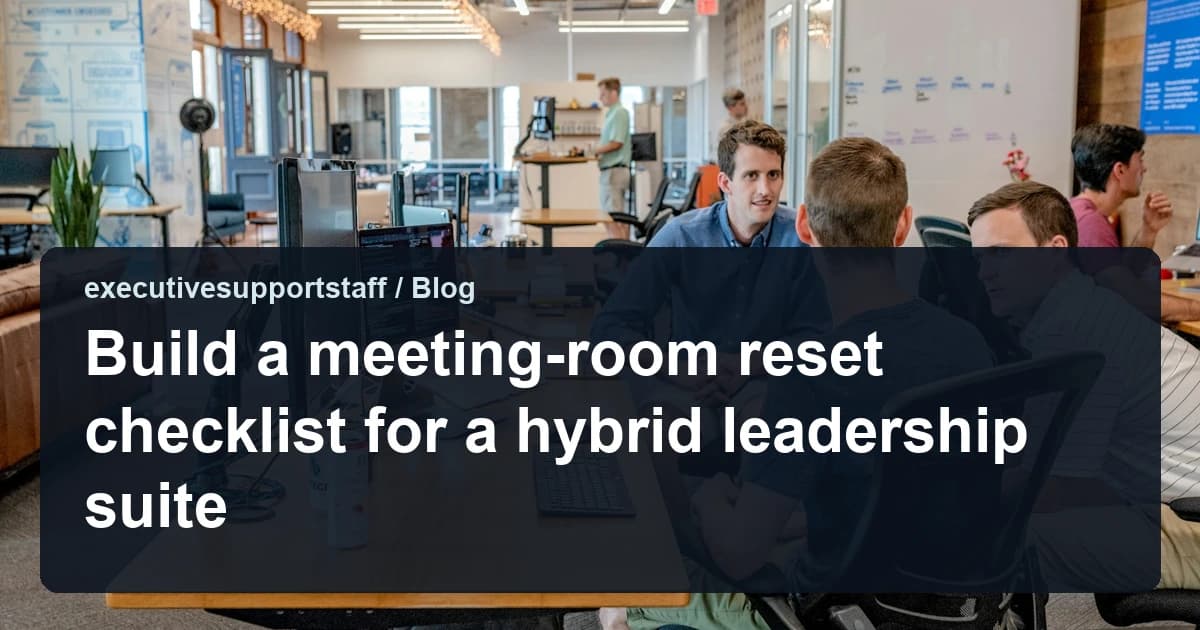
The room is part of the meeting
A leadership meeting begins before the principal walks in. The screen is dark, the conference line is muted, and the previous meeting has left cups on the table. Those small failures tell the room that nobody owns the space. A reset checklist gives the desk a repeatable way to make the physical and hybrid setup ready.
The checklist is not about hospitality for its own sake. A missing cable or a mislabelled dial-in wastes the first ten minutes and makes the principal look unprepared. When the room works, the conversation starts on time and the remote participants are included rather than tolerated. That is an operational outcome, not a cosmetic one.
Walk into the room as if you were the first remote participant. Can you see the speaker, hear the room, and read the shared screen? If not, the setup is not ready. Fix the experience before the principal arrives, because the remote guests will not ask twice.
Reset the physical setup first
Clear the table, restock water, and check that every chair is in place. Confirm the room temperature and the lighting level before the first attendee arrives. Put away the previous meeting's materials, including anything written on a whiteboard that should not be visible. A clean room also protects confidentiality.
Check the seating plan against the agenda. A board session may need the chair at the head of the table, while a working session may need a screen everyone can see. If the principal has a preferred position, record it on the room card. The desk should not rearrange the room differently for every meeting.
Test the hybrid link before the principal arrives
Join the meeting link from the room ten minutes early and confirm the camera, microphone, and speaker. Check that the display shows the shared content at a readable size. Ask a remote colleague to confirm the audio if one is available. A test call is faster than discovering the problem in front of the board.
Keep a backup path ready, such as a dial-in number or a second device. Note the host controls and the waiting-room settings so remote guests are not left outside. If the platform requires a passcode, place it on the room card rather than in a chat thread. The goal is one predictable entry experience for every participant.
Keep a visible room card
The room card should show the meeting name, the start and end time, the platform, the passcode, and the support contact. Add the principal's preferences and any accessibility needs. Laminate the card or place it in a fixed holder so it does not migrate. A visible card reduces questions during the meeting.
Update the card when the platform or the room changes. Do not rely on a calendar description that only the organizer can see. The card is a shared operational document, and it should be accurate for the person covering the desk. A stale card is worse than no card because it creates false confidence.
Assign ownership between meetings
Name one person who owns the reset after each meeting and one who checks it before the next. The owner may be an assistant, a facilities coordinator, or a rotation among the support team. Write the assignment into the calendar rather than assuming the last person will notice. Ownership that exists only in conversation disappears on a busy day.
Give the owner authority to delay the start if the room is not ready. A five-minute delay is better than a meeting that begins with an unresolved technical problem. The principal should know who to ask if something is missing. Clear ownership also protects the owner from being blamed for a failure outside their control.
Handle back-to-back transitions
Back-to-back meetings need a transition plan, not just a reset. Identify which items can be cleared during the meeting and which must wait. If the principal is moving rooms, confirm the route and the buffer. If the next meeting is hybrid, start the link check before the previous meeting ends.
Use a two-minute handover between the owner leaving and the next owner arriving. The handover should cover what changed, what is missing, and who is present. A short written note works when the room is empty. The point is to prevent the next meeting from inheriting an unresolved problem.
Review failures weekly
Log every room failure, including the time, the symptom, and who fixed it. Review the log weekly and look for patterns rather than individual mistakes. A recurring audio issue may need a new cable, while a recurring late reset may need a different owner. The log turns complaints into maintenance decisions.
For related guidance, see our article on setting a first-thirty-minutes briefing routine and our executive support services. The OSHA computer workstation guidance offers practical checks for screen height, seating, and cable placement. Those basics support a room that is comfortable and safe, not only connected. That check keeps the room ready for the next meeting rather than only fixing the last failure.
Key takeaways
- Treat the room reset as part of the meeting, not as an afterthought.
- Clear the space, confirm the seating plan, and protect anything confidential.
- Join the link early and keep a backup dial-in or device ready.
- Put the passcode, support contact, and preferences on a visible room card.
- Assign reset and check ownership, and review failures weekly for patterns.